
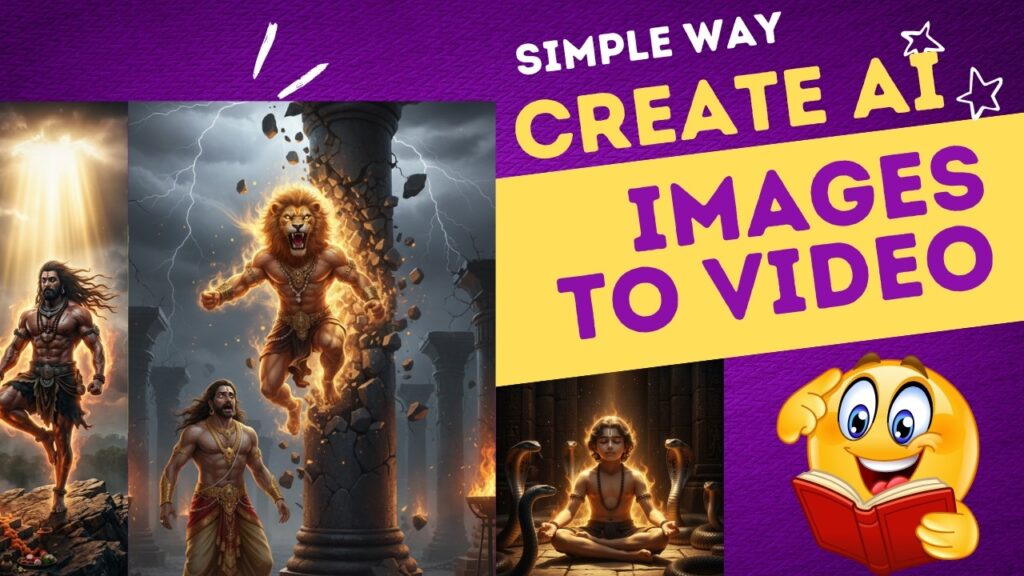
🚀 Introduction
AI video creation is changing content creation forever. Now, you don’t need expensive cameras or editing skills to create cinematic videos.
In this guide, you’ll learn how to turn simple images into high-quality cinematic AI videos using tools like:
- ChatGPT
- Google Gemini
- Whisk AI
- Grok
- Canva
- ElevenLabs
We’ll create a cinematic video (Prahlad & Hiranyakashyap story) step by step.
🧩 Step 1: Generate Story Script Using AI
Start by creating your story script.
👉 Use tools like:
- ChatGPT
- Google Gemini
Example Prompt:
Write a cinematic storytelling script on Prahlad and Hiranyakashyap with emotional narration, dramatic scenes, and strong dialogues.
💡 Pro Tip:
Ask AI to break script into scenes (Scene 1, Scene 2, etc.)
🎨 Step 2: Create Cinematic Image Prompts
Now convert your script into image prompts.
👉 Ask AI:
Convert this script into detailed cinematic image prompts with lighting, camera angles, and emotions.
💡 Example Prompt Output:
- “A divine child meditating in a palace, golden light, dramatic shadows, ultra realistic, cinematic”
You can use:
- Whisk AI
🖼️ Step 3: Generate AI Images
Now generate images using your prompts.
👉 Use:
- Whisk AI
💡 Tips:
- Use consistent style
- Maintain same character look
- Choose cinematic lighting
🎙️ Step 4: Create AI Voiceover
Now generate narration voice.
👉 Use:
- ElevenLabs
Steps:
- Paste script
- Choose voice (deep / emotional)
- Download audio
💡 Tip:
Use slow + dramatic tone for storytelling videos.
🎬 Step 5: Convert Images into Video
Now animate your images.
👉 Use:
- Grok AI
Steps:
- Upload images
- Add transitions (fade, zoom)
- Match with voice timing
💡 Add:
- Zoom in/out (Ken Burns effect)
- Scene transitions
🎵 Step 6: Add Background Music & Effects
Good music = Emotional video 🎯
👉 Inside Canva:
- Search: “Cinematic”, “Epic”, “Mythology”
💡 Keep volume low (10–20%) so voice is clear.
✂️ Step 7: Final Editing & Export
Final touches:
- Sync audio + visuals
- Add subtitles
- Adjust colors
👉 Export settings:
- Format: MP4
- Quality: 1080p or 4K
🎯 Where You Can Use These Videos
This method is perfect for:
✅ Mythological stories
✅ Educational content
✅ Religious storytelling
✅ YouTube automation
✅ Instagram Reels & Shorts